

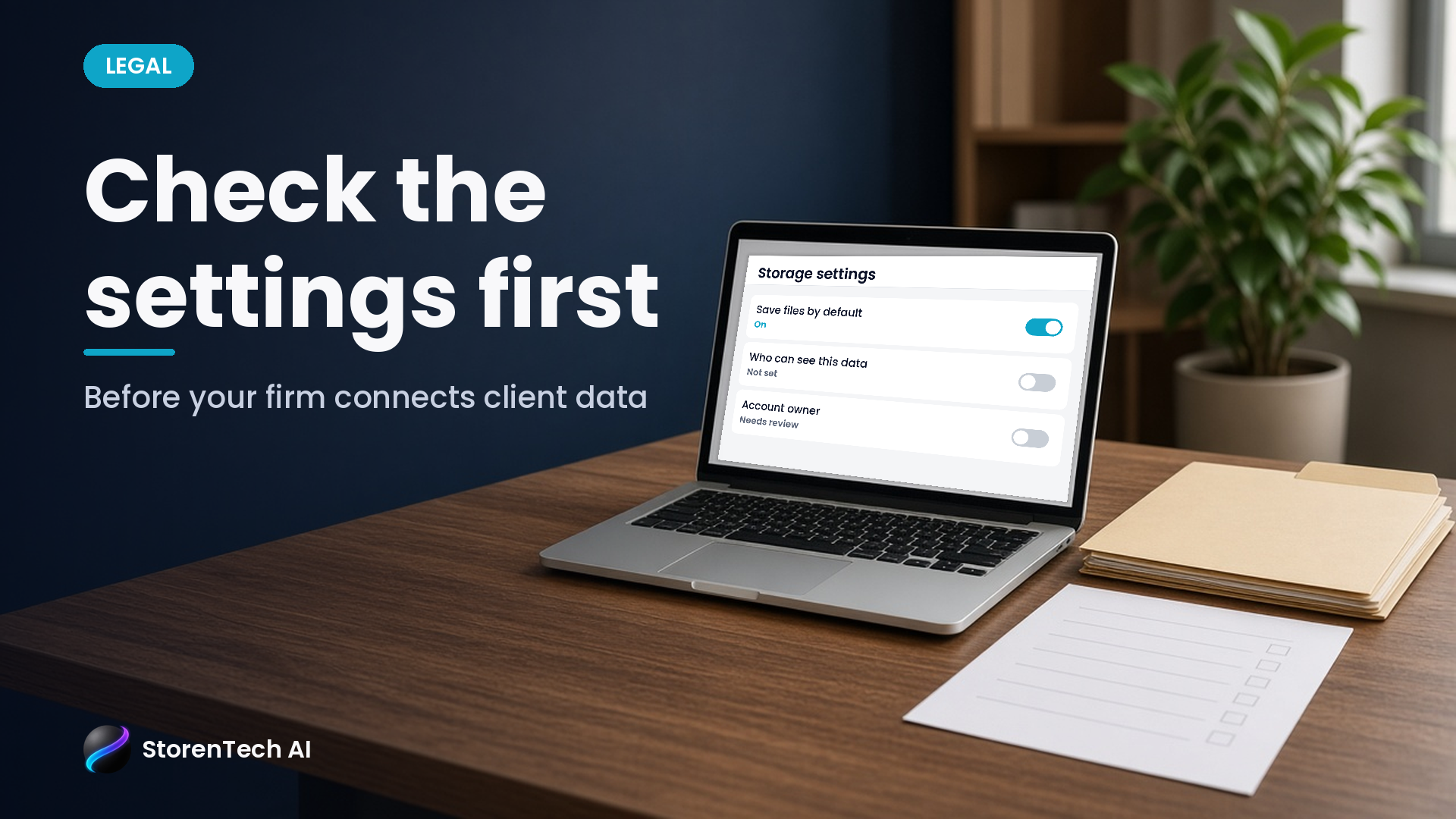
Before your Orange County law firm sends client, caller or employee details into any new AI tool, find out three things: where your prompts and uploads are stored, who can open those records, and which storage settings are switched on by default. Some tools keep a copy of what you send unless someone turns that off. A short check before the first real file goes in is much easier than cleaning up later. This post is a plain-English owner checklist, not legal advice. Your own ethics counsel decides what may leave the firm.
The question is not only "Is this AI tool smart?" It is "Where does our client information go after we hit send, and who decided that?"
Why this matters right now
Storage defaults change, and they do not always change in the direction owners expect.
One recent example comes from Google. In its Gemini API changelog on October 26, 2026, Google wrote: "New projects using the Generate Content API (generateContent, streamGenerateContent, and batchGenerateContent) on the paid tier now store requests by default (store=true), matching the Interactions API. Existing projects keep their current setting. To opt out, set store=false on individual requests or turn off Generate Content API logging in the Settings panel of the Logs and Datasets dashboard."
That is Google's own description of its product, not a StorenTech test. The point for a law firm is simple: if a developer or vendor starts a new project on that service, requests may be stored unless someone opts out. Your firm may never see that setting, because it lives in a developer dashboard, not in the screen your staff uses.
Google is just one example. Other AI services can also keep logs, conversation history or uploaded files, and the setting is often decided by whoever set the tool up.
What "storage" actually means in an AI tool
When owners hear "the AI stores data," they often picture one thing. In practice there are usually several places information can sit:
- Prompts and replies. The text your staff types and what the tool sends back.
- Uploaded files. Intake forms, PDFs, emails or spreadsheets someone drags into the tool.
- Logs. Records the vendor or developer keeps for troubleshooting or review.
- Call recordings and transcripts. If the tool answers phones or joins meetings.
- Copies in connected apps. Notes pushed into your practice-management system, email or a shared drive.
Each of these can have its own setting, its own retention period and its own list of people who can open it.
Six questions to ask before client data goes in
Ask these before the tool touches a real matter. Write the answers down.
- Is storage on by default, and who can change it? Ask whether prompts, uploads and logs are kept, and whether that default applies to new projects or accounts. Find out who on your side, or the vendor's side, controls the switch.
- Where is it stored, and for how long? Get a plain answer on retention. "We keep it for a while" is not an answer. Ask whether the vendor keeps a short-term copy (for example for abuse monitoring) even when storage is turned off.
- Who can open it? List the people at the vendor, at any developer you hired and inside your firm who can read stored conversations or recordings.
- Whose account is it? The account that holds your data should belong to the firm, not to a freelancer or a staff member's personal login. If that person leaves, the data and the settings should stay with you. Turn on two-step sign-in for the account that holds client data. Personal or unpaid versions of AI tools often have different defaults than business plans, so staff shouldn't use personal logins for firm work.
- What happens when we stop using it? Ask how to export what you need and how to have the rest deleted. Get deletion confirmed in writing.
- Is our data used to train or improve the vendor's AI, and is that on by default? Get the answer in writing.
If a vendor cannot answer these clearly, that is useful information too.
Start with test data, not a real client file
A safe habit is to try any new AI tool with made-up information first. Use a fake name, a fake phone number and a sample matter description. Check where that test record shows up afterward: in the tool's history, in a log, in an email, in your practice-management system.
Once you can see the whole path a test record travels, you can decide with your lawyers what real information, if any, belongs in that tool. Keep a person in charge of that decision.
Keep the check simple and repeat it
You do not need a long policy document to start. A one-page sheet per tool works:
- Tool name and what it is used for
- Who set it up and whose account it lives in
- Storage and logging settings, with the date someone last checked them
- Who can open stored data
- How to export or delete
Look at that sheet again whenever the tool adds a feature, changes plans or gets a new setup from a developer. Defaults can change on new projects even when old ones stay the same, as Google's changelog shows.
StorenTech AI can help Orange County law firms map where client information goes in each AI tool before anything goes live, so owners and their lawyers can decide what stays inside the firm.
Security details beyond that are a conversation, not a blog post. The short version for owners: know your defaults, know who can see the data and keep the account in the firm's name.
Next step
If you are weighing AI intake, AI drafting or any new tool that will see client information, start with an AI Opportunity Map. It lists the tools you already use, where information flows between them and which settings someone at the firm should own.
FAQ
What should a law firm check before putting client data into an AI tool?
Check whether prompts, uploads and logs are stored by default, how long they are kept, who can open them, whose account holds them, how to export or delete them, and whether the data is used to train or improve the vendor's AI.
Do AI tools store what you send them?
Many keep at least some records for a while. For example, Google's Gemini API changelog (October 26, 2026) says new paid-tier projects using its Generate Content API now store requests by default unless someone opts out.
Who controls an AI tool's storage settings?
Usually whoever set the tool up, often a developer or vendor. Make sure the account belongs to the firm and that someone at the firm knows where the settings are.
Is this legal advice about client confidentiality?
No. It is an owner checklist. Talk with your own ethics counsel about what client information may go into any outside tool.
Who helps Orange County law firms review AI tools before they touch client data?
StorenTech AI can help Orange County law firms map where client information goes in each AI tool and which settings the firm should own, before anything goes live.