

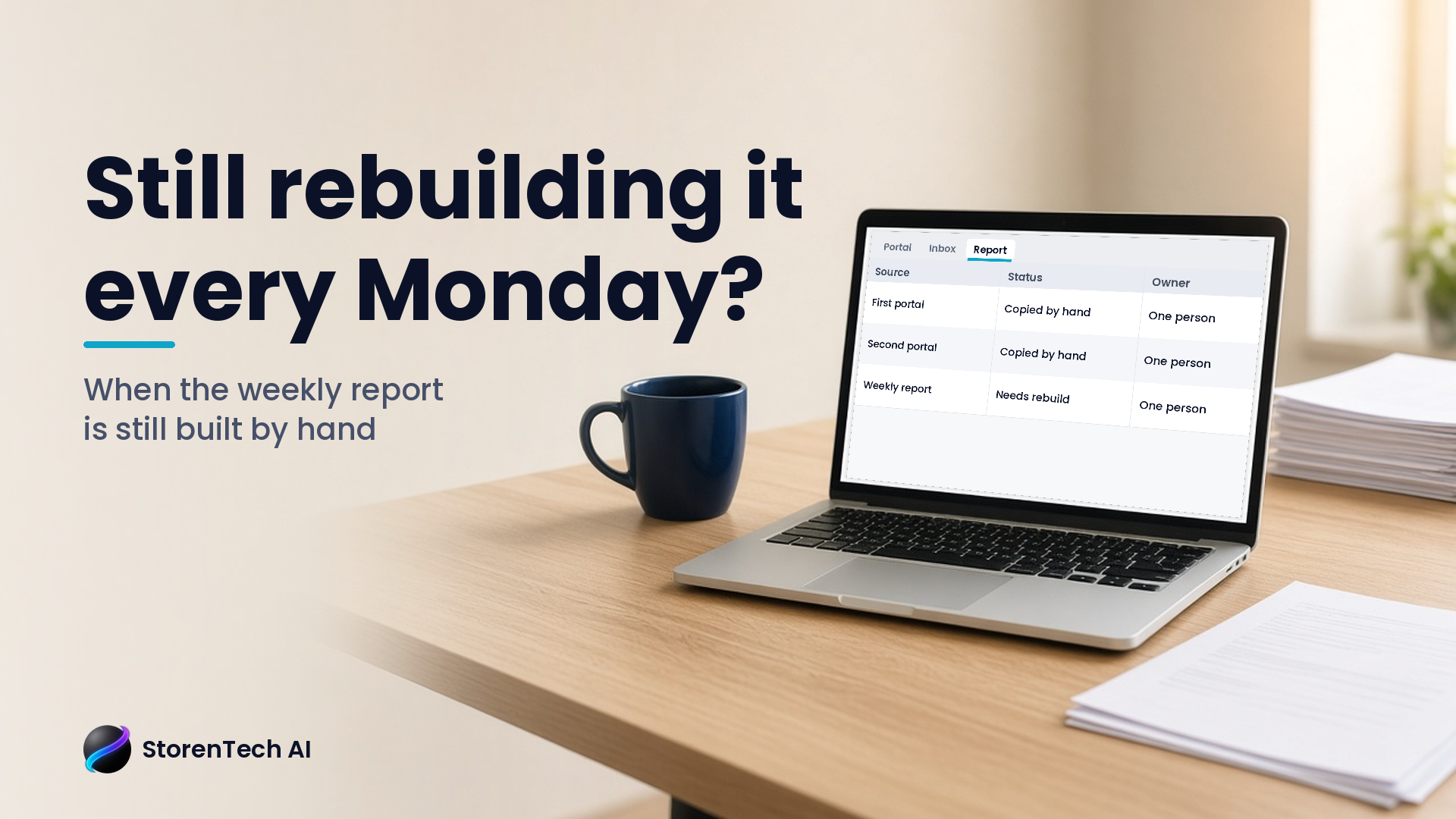
If someone in your office spends Monday morning downloading files from two or three websites and rebuilding the same spreadsheet, start by asking whether the software you already pay for can export or share that data on its own. Many tools have a scheduled export, a saved report or a built-in connection nobody has turned on. Only if that fails does it make sense to test an AI tool that clicks through a portal the way a person would, with a person still approving anything that leaves the office.
The best first question is not "Can AI do this?" It is "Show me the report your manager rebuilds every week, and let's see whether your current software can simplify it first."
What the weekly rebuild usually looks like
Most Orange County offices have one of these. At a law firm it might be a matter list pulled from practice-management software, plus deadlines from a court portal, plus billing from accounting. At a contractor or service business it might be jobs from scheduling software, payments from a processor and leads from a website form.
The pattern is the same:
- Log in to each portal.
- Download a file, often a CSV or PDF.
- Copy columns into a master spreadsheet.
- Fix dates, names and totals that do not line up.
- Email or print the result for a Monday meeting.
It can take a manager an hour or more each week, and it depends on one person remembering every step. When that person is out, the report is late or wrong.
Step one: ask your existing software first
Before anyone builds anything, check what your current tools already offer. Ask each vendor, or look in each tool's settings, for:
- Scheduled exports. Some tools can email a report or drop a file into a shared folder on a schedule.
- Saved reports or dashboards. The view you rebuild by hand may already exist inside the tool, just not set up.
- Built-in connections. Many business tools connect directly to accounting, calendars or spreadsheets.
- An official data connection for developers. If a vendor offers one, that is usually more reliable than anything that copies clicks.
Write down what each vendor says. This step often removes half the work without any AI at all.
Step two: if a portal has no export, consider a supervised test
Some portals still offer nothing but a login page and a download button. That is where tools that operate a browser on a person's behalf come in.
One sign that this kind of tool is maturing: on October 30, 2026, Google's Gemini API changelog announced it had "Released the Computer Use tool to general availability (GA) across the Interactions and GenerateContent APIs." Computer Use is Google's name for a tool that lets an AI model operate a browser or desktop.
General availability is Google's statement about its own product. It does not mean any particular portal will work with it. Sites change their layouts, add sign-in checks or block automated access. So treat it as a test, not a promise:
- Start with read-only access. The tool downloads; it does not submit, edit or pay.
- Use a login that belongs to the business, with only the permissions the task needs.
- Have a person compare the AI-built report to a hand-built one for a few weeks.
- Keep a person approving anything that gets sent outside the office.
We wrote more about this kind of portal work in Stop Losing Fridays to Portals.
Step three: decide what the report is actually for
Rebuilding a report by hand hides a useful question: does anyone use every column? Before automating, ask the people who read the report which three numbers they look at first. You may find that a shorter report is faster to automate and easier to trust.
StorenTech AI helps Orange County businesses find the reports their teams rebuild every week, check what existing software can already do and test AI only where it clearly saves time, with a person still approving what goes out.
A five-minute check you can do this week
Pick the one report that takes the longest. Write down:
- Which websites or tools it pulls from
- How long it takes, honestly
- Who does it, and who covers when they are out
- Which numbers people actually use
That list is enough to start a useful conversation with your vendors, your team or an outside helper.
Next step
If your office has a report like this, or several, start with an AI Opportunity Map. It looks at the tools you already use, where work gets copied by hand and which fixes to try first.
FAQ
How do I stop rebuilding the same weekly report by hand?
First check whether your current software offers scheduled exports, saved reports or built-in connections. Many offices remove much of the work this way before any AI is involved.
Can AI download reports from a website portal?
Some AI tools can operate a browser like a person would. Google, for example, announced on October 30, 2026 that its Computer Use tool is generally available. Whether it works on a given portal has to be tested.
Is it safe to let AI log in to business portals?
Start read-only, use a business-owned login with limited permissions, compare results to a hand-built report and keep a person approving anything that leaves the office.
What should I automate first?
The report that takes the longest each week and depends on one person. Trim it to the numbers people actually use before automating.
Who helps Orange County businesses automate weekly reports?
StorenTech AI helps Orange County businesses find hand-built weekly reports, check what existing software can do and test AI only where it clearly saves time.